| --- |
| language: |
| - en |
| license: apache-2.0 |
| library_name: diffusers |
| pipeline_tag: text-to-image |
| tags: |
| - text-to-image |
| - image-generation |
| - shuttle |
| --- |
| |
| # Shuttle 3 Diffusion |
|
|
| ## Model Variants |
| These model variants provide different precision levels and formats optimized for diverse hardware capabilities and use cases |
| - [bfloat16](https://huggingface.co/shuttleai/shuttle-3-diffusion) |
| - [GGUF](https://huggingface.co/shuttleai/shuttle-3-diffusion-GGUF) |
| - [fp8](https://huggingface.co/shuttleai/shuttle-3-diffusion-fp8) |
|
|
| Shuttle 3 Diffusion is a text-to-image AI model designed to create detailed and diverse images from textual prompts in just 4 steps. It offers enhanced performance in image quality, typography, understanding complex prompts, and resource efficiency. |
|
|
|  |
|
|
| You can try out the model through a website at https://chat.shuttleai.com/images |
|
|
| ## Using the model via API |
| You can use Shuttle 3 Diffusion via API through ShuttleAI |
| - [ShuttleAI](https://shuttleai.com/) |
| - [ShuttleAI Docs](https://docs.shuttleai.com/) |
|
|
| ## Comparison to other models |
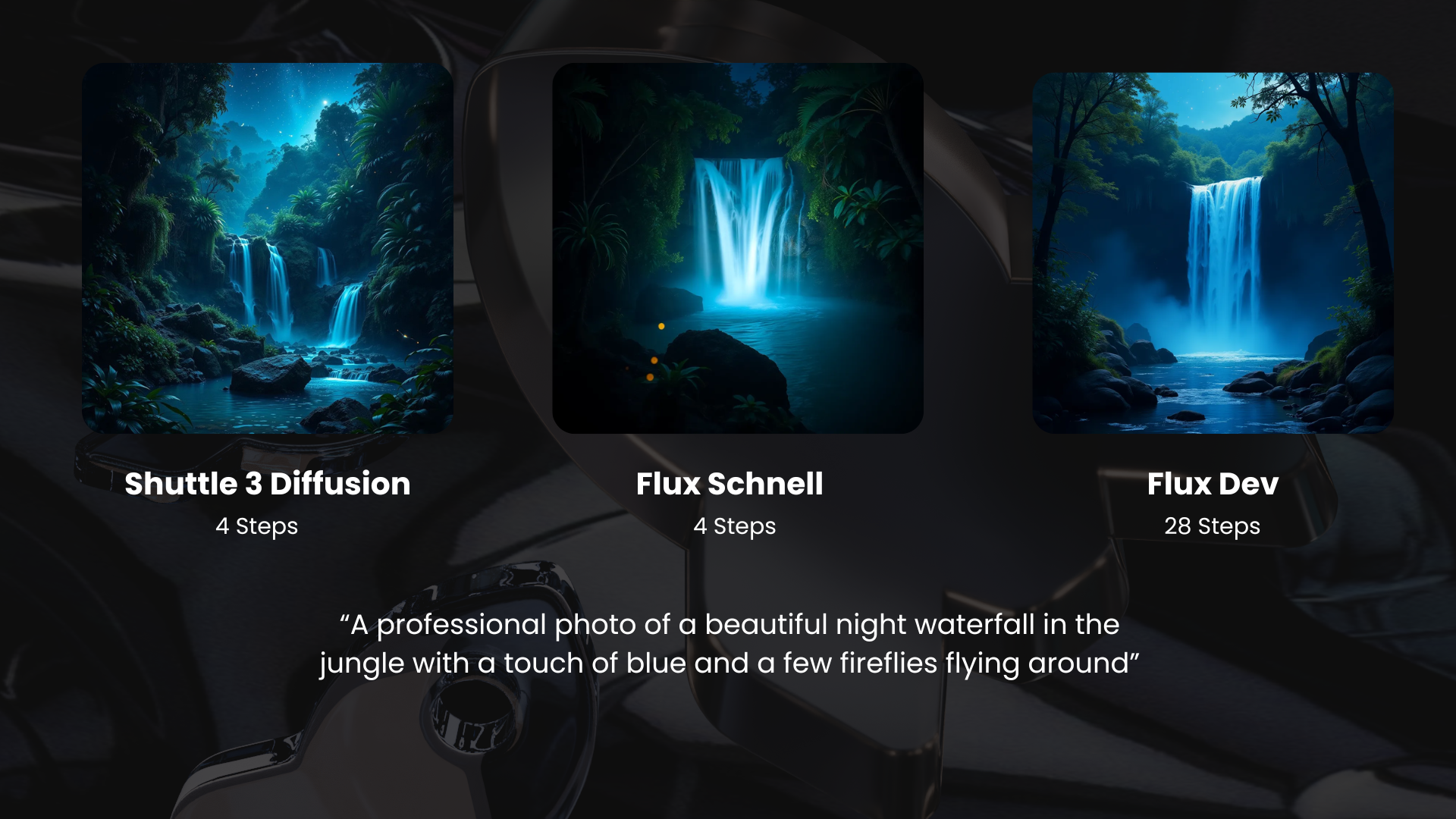
| Shuttle 3 Diffusion can produce images better images than Flux Dev in just four steps, while being licensed under Apache 2. |
|  |
| [More examples](https://docs.shuttleai.com/getting-started/shuttle-diffusion) |
|
|
| ## Training Details |
| Shuttle 3 Diffusion uses Flux.1 Schnell as its base. It can produce images similar to Flux Dev or Pro in just 4 steps, and it is licensed under Apache 2. The model was partially de-distilled during training. When used beyond 10 steps, it enters "refiner mode," enhancing image details without altering the composition. We overcame the limitations of the Schnell-series models by employing a special training method, resulting in improved details and colors. |


