Instructions to use monadical-labs/minecraft-preview with libraries, inference providers, notebooks, and local apps. Follow these links to get started.
- Libraries
- Diffusers
How to use monadical-labs/minecraft-preview with Diffusers:
pip install -U diffusers transformers accelerate
import torch from diffusers import DiffusionPipeline # switch to "mps" for apple devices pipe = DiffusionPipeline.from_pretrained("monadical-labs/minecraft-preview", dtype=torch.bfloat16, device_map="cuda") prompt = "Astronaut in a jungle, cold color palette, muted colors, detailed, 8k" image = pipe(prompt).images[0] - Notebooks
- Google Colab
- Kaggle
- Local Apps Settings
- Draw Things
- DiffusionBee
|
Download README.md from monadical-labs/minecraft-preview: direct link, hf CLI and curl.
- Browser
- Download file 1.11 kB
-
https://huggingface.co/monadical-labs/minecraft-preview/resolve/main/README.md
- Command line
-
hf download hf://monadical-labs/minecraft-preview/README.md
-
curl -L -o README.md https://huggingface.co/monadical-labs/minecraft-preview/resolve/main/README.md
1.11 kB
metadata
license: openrail
language:
- en
tags:
- minecraft
pipeline_tag: text-to-image
datasets:
- monadical-labs/minecraft-preview
library_name: diffusers
Overview
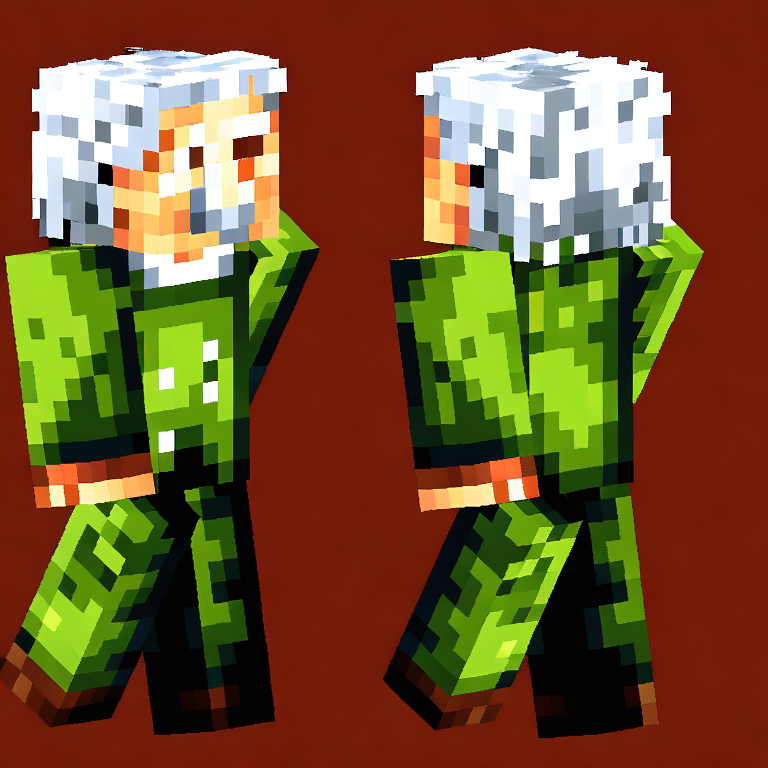
This Stable Diffusion model was fine-tuned on the Minecraft Character Dataset to generate a Minecraft-style characters, based on a text prompt.
The model was fine-tuned on the dataset for 15,000 steps using the 'train_text_to_image.py' script provided with the diffusers library.
I've written up the training process in more detail on the Monadical blog.
Examples
Here are some example text prompts and the images they generate:
Contact Information
You can contact me at: Cory Spencer <cory@monadical.com>