

Wuli Qwen-Image-2.1 Turbo — 2 / 4 / 8 Steps



A few-step derivative of Qwen-Image-2.1 for text-to-image generation and image editing, available in BF16, FP8 and INT8 with transparent RGBA output.
Showcase
Click any image to open its full comparison in a new tab ↗.
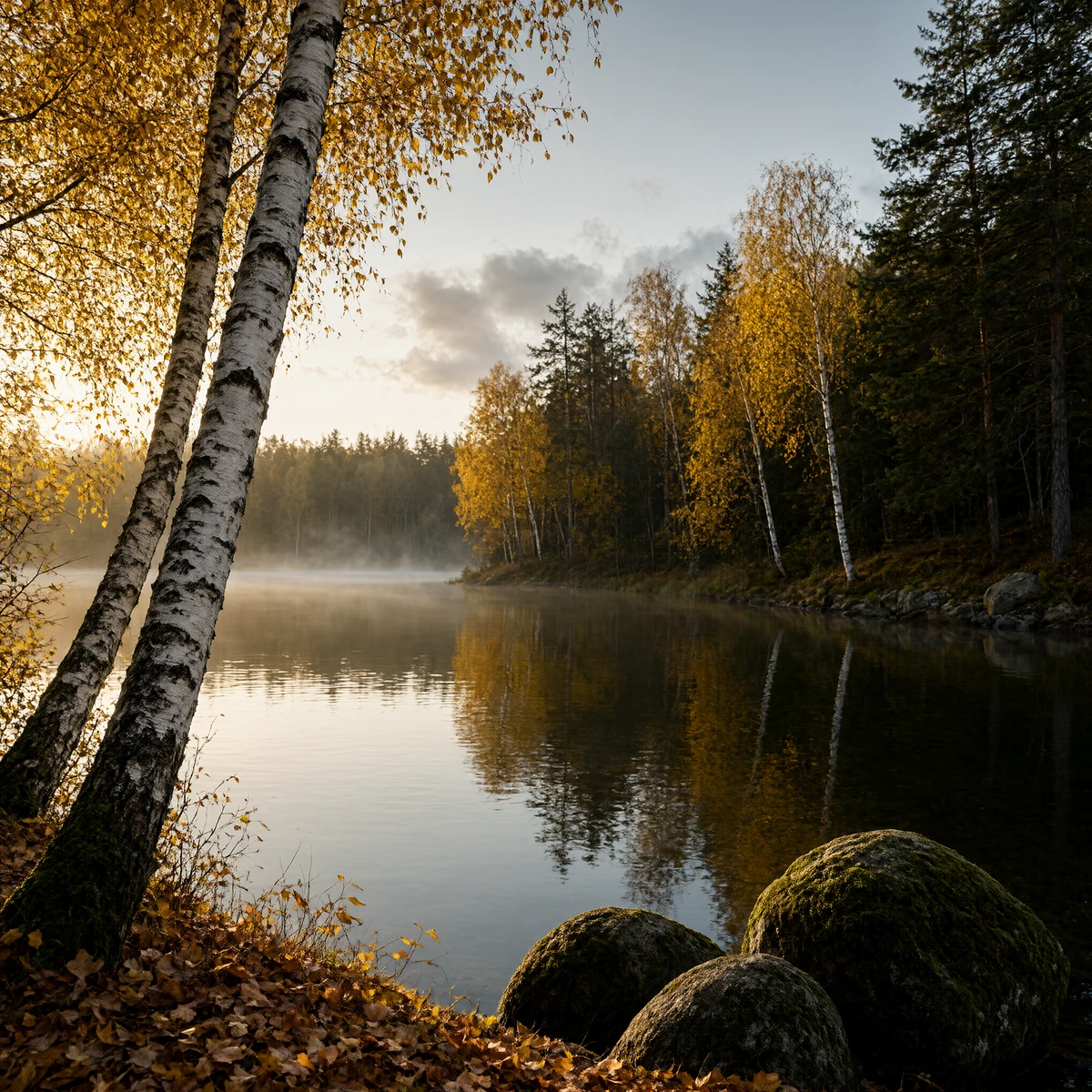
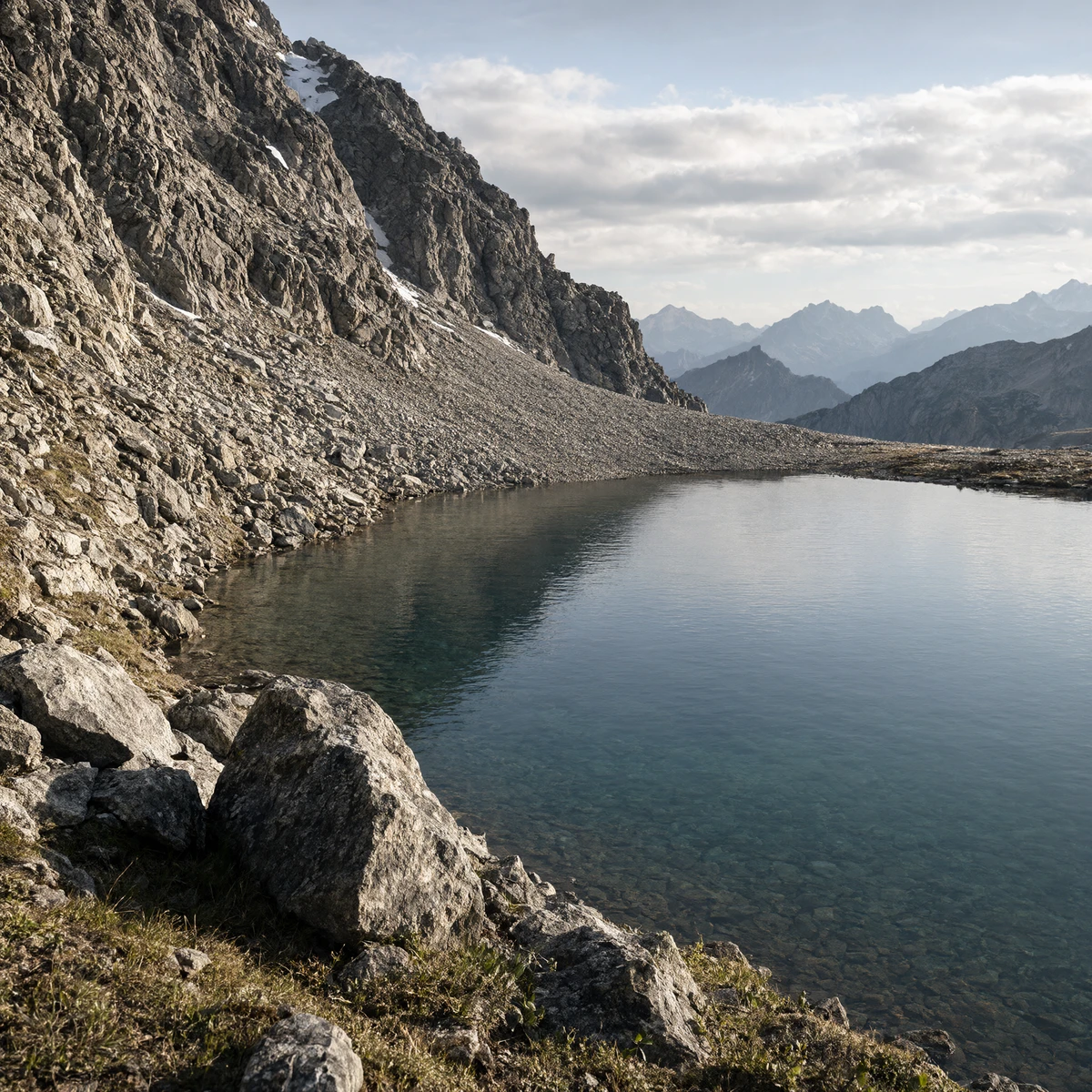
| Qwen base · 40 steps | Wuli · 8 steps · BF16 | Wuli · 4 steps · BF16 | Wuli · 2 steps · BF16 | Qwen official Turbo · 8 steps |
|---|---|---|---|---|
 |
 |
 |
 |
 |
 |
 |
 |
 |
 |
 |
 |
 |
 |
 |
 |
 |
 |
 |
 |
Interactive Demo

Model variants
| Steps | BF16 | FP8 | INT8 |
|---|---|---|---|
| 2 | 2step-bf16 | 2step-fp8 | 2step-int8 |
| 4 | 4step-bf16 | 4step-fp8 | 4step-int8 |
| 8 | 8step-bf16 | 8step-fp8 | 8step-int8 |
The INT8 variants use optimized W8A8 quantization and the included CUDA loader. Matrix weights use INT8 with FP32 per-channel scales; time embeddings, modulation, normalization and input/output projections retain BF16.
ComfyUI
Choose an integration for the checkpoints in this repository:
| Integration | Precisions | Steps |
|---|---|---|
| Official ComfyUI workflows | BF16 | 2 / 4 / 8 |
| Wuli ComfyUI node | BF16 / FP8 / INT8 | 2 / 4 / 8 |
Official ComfyUI — BF16 only
Download a single-file BF16 checkpoint from the table above and place it in ComfyUI/models/diffusion_models. Select it in UNETLoader in the official text-to-image workflow or image editing workflow. Keep the official text encoder and VAE.
Use CFG 1.0 and set ManualSigmas to the selected schedule, including the final zero:
2 steps
1.0, 0.8, 0.0
4 steps
1.0, 0.9177013039588928, 0.787998616695404, 0.5533687472343445, 0.0
8 steps
1.0, 0.962988555431366, 0.9177013039588928, 0.8610130548477173, 0.787998616695404, 0.6904187798500061, 0.5533687472343445, 0.3468291163444519, 0.0
The FP8 and INT8 checkpoints in this repository require the custom node below.
Wuli ComfyUI node — BF16 / FP8 / INT8
Our ComfyUI node supports all nine variants for text-to-image generation and reference-image editing, with automatic model downloads and CPU offload.
Install using the Python environment that runs ComfyUI:
cd ComfyUI/custom_nodes
git clone https://github.com/wuli-art/Qwen-Image-2.1-Turbo-ComfyUI.git
cd Qwen-Image-2.1-Turbo-ComfyUI
python -m pip install -r requirements.txt
For Windows Portable, install dependencies from the portable installation's root:
.\python_embeded\python.exe -m pip install -r .\ComfyUI\custom_nodes\Qwen-Image-2.1-Turbo-ComfyUI\requirements.txt
Restart ComfyUI, then load a workflow:
Leave model_path and base_model_path empty, select variant (for example, 8step-fp8, 4step-int8 or 2step-bf16), enter a prompt and run. For editing, also select a reference image in Load Image. The node applies the selected checkpoint's saved sampling schedule and CFG automatically.
The first run downloads the selected Turbo weights and the text encoder, processor and VAE from Qwen/Qwen-Image-2.1. Later runs reuse the cache, and base components are shared across variants. Use the default cpu_offload mode to reduce VRAM usage, or gpu if you have enough VRAM.
See the node README for local paths, cache settings and other options.
Requirements
Python 3.11+ with CUDA-enabled PyTorch. Download the helpers and install the pinned Diffusers revision:
python -m pip install huggingface-hub
python -c 'from huggingface_hub import snapshot_download; snapshot_download("Wuli-art/Qwen-Image-2.1-Turbo", allow_patterns=["*.py", "requirements-*.txt"], local_dir="qwen21-turbo")'
cd qwen21-turbo
python -m pip install -r requirements-diffusers.txt
The examples download the selected DiT and reuse the text encoder, VAE and processor from Qwen/Qwen-Image-2.1.
Code Example
For BF16
import sys
from pathlib import Path

import torch
from diffusers import FlowMatchEulerDiscreteScheduler, QwenImage21Pipeline, QwenImage21Transformer2DModel
from huggingface_hub import snapshot_download

variant = "8step-bf16"
snapshot = Path(snapshot_download(
    "Wuli-art/Qwen-Image-2.1-Turbo", allow_patterns=[f"{variant}/*", "*.py"],
))
sys.path.insert(0, str(snapshot))
from model_utils import read_config, resolve_base

dit_path = snapshot / variant
sampling = read_config(dit_path)[0]
transformer = QwenImage21Transformer2DModel.from_pretrained(str(dit_path), torch_dtype=torch.bfloat16)
pipe = QwenImage21Pipeline.from_pretrained(
    str(resolve_base()), transformer=transformer, torch_dtype=torch.bfloat16,
)
pipe.scheduler = FlowMatchEulerDiscreteScheduler.from_pretrained(str(dit_path))
pipe.to("cuda")
image = pipe(
    prompt="A red ceramic teapot on a wooden table, soft daylight",
    width=1024, height=1024, true_cfg_scale=1.0,
    num_inference_steps=sampling["num_inference_steps"], sigmas=sampling["sample_sigmas"],
    generator=torch.Generator(device="cuda").manual_seed(42),
).images[0]
image.save("teapot-bf16.png")
For FP8
import sys
from pathlib import Path

import torch
from diffusers import FlowMatchEulerDiscreteScheduler, QwenImage21Pipeline
from huggingface_hub import snapshot_download

variant = "8step-fp8"
snapshot = Path(snapshot_download(
    "Wuli-art/Qwen-Image-2.1-Turbo", allow_patterns=[f"{variant}/*", "*.py"],
))
sys.path.insert(0, str(snapshot))
from load_fp8 import load_fp8_transformer
from model_utils import read_config, resolve_base

dit_path = snapshot / variant
sampling = read_config(dit_path)[0]
transformer = load_fp8_transformer(dit_path, device="cpu")
pipe = QwenImage21Pipeline.from_pretrained(
    str(resolve_base()), transformer=transformer, torch_dtype=torch.bfloat16,
)
pipe.scheduler = FlowMatchEulerDiscreteScheduler.from_pretrained(str(dit_path))
pipe.to("cuda")
image = pipe(
    prompt="A red ceramic teapot on a wooden table, soft daylight",
    width=1024, height=1024, true_cfg_scale=1.0,
    num_inference_steps=sampling["num_inference_steps"], sigmas=sampling["sample_sigmas"],
    generator=torch.Generator(device="cuda").manual_seed(42),
).images[0]
image.save("teapot-fp8.png")
For INT8
Download the helpers with the command in Requirements, then run:
python infer_int8.py --variant 8step-int8 \
  --prompt "A red ceramic teapot on a wooden table, soft daylight" \
  --width 1024 --height 1024 --seed 42 --output teapot-int8.png
Select 2step-int8 or 4step-int8 for the other schedules. Add --reference input.png for editing; repeat the option for multiple reference images. To download from ModelScope, add --source modelscope.
For vLLM-Omni, use a separate environment and run from the downloaded helper directory:
python -m pip install -r requirements-omni.txt
python infer_omni.py --variant 8step-fp8 \
  --prompt "A red ceramic teapot on a wooden table, soft daylight" \
  --edit-prompt "Make the teapot blue. Preserve its shape and the wooden table." \
  --seed 42 --output omni-teapot.png
Acknowledgement
Thanks to the Qwen team for Qwen-Image-2.1. Built with Qwen. Distributed under the Qwen Research License.
- Downloads last month
- -